
Designing a website is a step-by-step process that mixes planning, design, and development. Here’s a clear beginner-friendly guide you can follow 👇
1. Define the Purpose of the Website
Before designing anything, be clear about:
-
What is the website for? (Business, blog, portfolio, ecommerce, services)
-
Who is your target audience?
-
What action should visitors take? (Call, enquiry, signup, buy)
👉 Example: A web design business website → goal is lead generation
2. Plan the Website Structure (Sitemap)
Create a list of pages:
-
Home
-
About
-
Services
-
Portfolio / Projects
-
Blog (optional)
-
Contact
This helps you design logically and improves SEO.
3. Choose the Right Design Style
Decide:
-
Color scheme (2–3 main colors)
-
Fonts (1 heading font + 1 body font)
-
Layout style (minimal, modern, corporate, creative)
Tips:
-
Use clean layouts
-
Keep enough white space
-
Mobile-first design is very important
4. Create Wireframes (Page Layouts)
Wireframes are simple sketches of page layouts.
-
Header (logo + menu)
-
Hero section
-
Content sections
-
Footer
You can use:
-
Pen & paper
-
Figma
-
Adobe XD
5. Design the Website (UI Design)
Design visually using:
-
Figma (most popular)
-
Adobe XD
-
Canva (basic)
Focus on:
-
Clear headings
-
Readable text
-
Strong call-to-action buttons (Contact Us, Get Quote)
6. Develop the Website
Choose how you want to build it:
Option A: Website Builders (No Code)
-
WordPress + Elementor
-
Wix
-
Webflow
Best for freelancers & small businesses.
Option B: Coding (More Control)
Technologies:
-
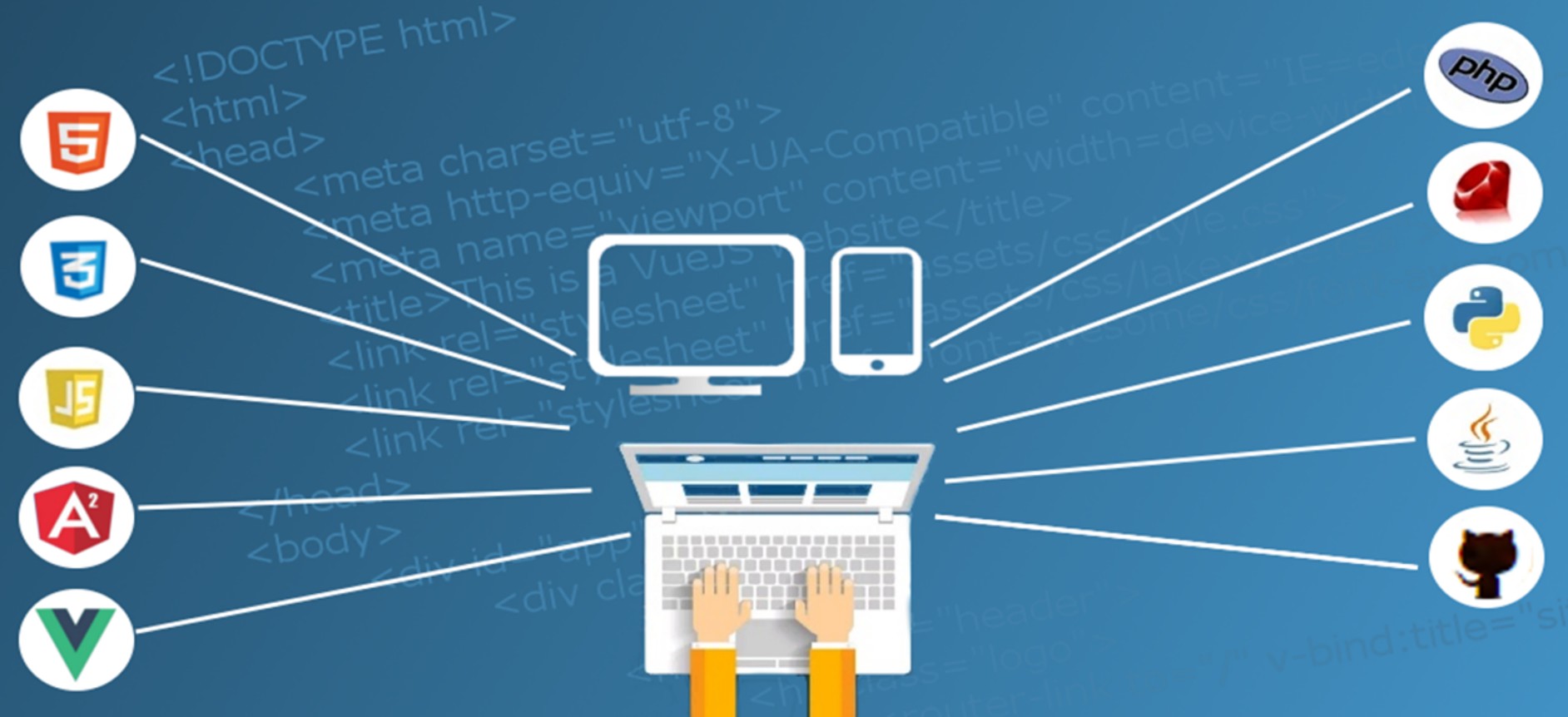
HTML – structure
-
CSS – design
-
JavaScript – interaction
-
Frameworks: React, Bootstrap
7. Make It Responsive
Your website must look good on:
-
Mobile
-
Tablet
-
Desktop
Use:
-
CSS media queries
-
Responsive grids (Flexbox, Bootstrap)
8. Optimize for SEO & Speed
Basic SEO checklist:
-
Proper headings (H1, H2, H3)
-
Meta title & description
-
Fast loading images
-
Mobile-friendly design
Speed tools:
-
Google PageSpeed Insights
-
GTmetrix
9. Test Everything
Check:
-
Links
-
Forms
-
Mobile view
-
Browser compatibility (Chrome, Firefox)
10. Launch & Maintain
-
Buy domain & hosting
-
Upload files or connect WordPress
-
Take backups
-
Update content regularly
Bonus Tips (Very Important)
✔ Keep design simple
✔ Focus on user experience (UX)
✔ Do not overload with animations
✔ Clear contact details
- Details
- Hits: 422
How Much Does a Website Cost in India? (2025 Complete Guide)
If you’re planning to build a website, one of the first questions you’ll ask is:
“How much does a website cost in India?”
The short answer is:
👉 ₹5,000 to ₹2,00,000+, depending on your requirements.
Let’s break it down so you understand where your money goes and how to choose the right website within your budget.
1️⃣ Website Cost in India – Quick Overview
| Website Type | Estimated Cost (₹) |
|---|---|
| Single Page Website | 5,000 – 10,000 |
| Static Business Website (5–7 pages) | 8,000 – 20,000 |
| Dynamic Website | 15,000 – 40,000 |
| WordPress Website | 12,000 – 50,000 |
| Joomla CMS | 15,000 – 55,000 |
| E-commerce Website | 25,000 – 2,00,000+ |
| Custom / Portal Website | 50,000 – 5,00,000+ |
💡 Prices may vary based on the developer, city, and features.
2️⃣ Cost Based on Website Type
🔹 Single Page Website
Best for individuals or simple service listings.
Includes:
-
One scrollable page
-
Contact form
-
Mobile responsive design
💰 Cost: ₹5,000 – ₹10,000
🔹 Static Business Website
Ideal for small businesses.
Includes:
-
Home, About, Services, Contact
-
Basic design
-
Fast loading
💰 Cost: ₹8,000 – ₹20,000
🔹 WordPress Website (Most Popular)
Best balance of price + flexibility.
Includes:
-
Easy admin panel
-
SEO-friendly structure
-
Blog functionality
-
Plugin support
💰 Cost: ₹12,000 – ₹50,000
🔹 E-commerce Website
For selling products or services online.
Includes:
-
Product listings
-
Payment gateway (UPI, cards, wallets)
-
Order management
-
Customer login
💰 Cost:
-
Small store: ₹25,000 – ₹60,000
-
Large store: ₹80,000 – ₹2,00,000+
🔹 Custom Website / Web Portal
For startups and advanced platforms.
Examples:
-
Job portals
-
Booking systems
-
CRM dashboards
💰 Cost: ₹50,000 – ₹5,00,000+
3️⃣ Other Important Costs You Should Know
🌐 Domain Name
-
.com / .in→ ₹700 – ₹1,200 per year
🖥️ Web Hosting
-
Shared hosting → ₹2,000 – ₹4,000/year
-
VPS / Cloud → ₹6,000 – ₹20,000+/year
🔐 SSL Certificate
-
Basic SSL → Often FREE
-
Premium SSL → ₹1,500 – ₹5,000/year
4️⃣ Factors That Affect Website Cost in India
✔ Number of pages
✔ Custom design vs template
✔ Mobile responsiveness
✔ SEO optimization
✔ Speed optimization
✔ Content writing
✔ Maintenance & support
👉 More features = higher cost
5️⃣ Cheap Website vs Professional Website
| Cheap Website | Professional Website |
|---|---|
| Poor design | Custom & modern design |
| Slow speed | Optimized performance |
| No SEO | SEO-friendly structure |
| No support | Ongoing support |
💡 A cheap website may cost you more in lost customers.
6️⃣ How to Reduce Website Cost (Smart Tips)
✅ Choose WordPress
✅ Start small, upgrade later
✅ Use ready frameworks
✅ Get content ready beforehand
✅ Avoid unnecessary features initially
7️⃣ Which Website Is Best for You?
-
Freelancer / Personal use → Single page
-
Small business → WordPress website
-
Online selling → E-commerce website
-
Startup / Portal → Custom website
8️⃣ Final Thoughts
There is no fixed price for a website in India. The cost depends on your business goals, features, and quality expectations.
👉 Instead of asking “How cheap?”, ask
“How effective will my website be?”
A good website is an investment, not an expense.
📞 Need a Website Quote?
If you’re looking for a professional, affordable, and SEO-friendly website, feel free to contact us for a free consultation.
- Details
- Hits: 369
Ant Esports 690 Neo Sata 2.5" 256GB Internal Solid State Drive/SSD with SATA III Interface, 6Gb/s, Fast Performance, Read/Write - 500/400 MB/s, Quad Channel Controller compatible with PC and LAPTOP
2.5 inch Hard Drive Enclosure Type c, PiBOX India 6Gbps USB 3.1 to SATA III Tool-Free External Hard Drive Enclosure for 7mm/9.5mm 2.5" SSD LAPTOP HDD
- Details
- Hits: 650