
Website Maker
-
How to design a website?
Designing a website is a step-by-step process that mixes planning, design, and development. Here’s a clear beginner-friendly guide you can follow 👇
1. Define the Purpose of the Website
Before designing anything, be clear about:
-
What is the website for? (Business, blog, portfolio, ecommerce, services)
-
Who is your target audience?
-
What action should visitors take? (Call, enquiry, signup, buy)
👉 Example: A web design business website → goal is lead generation
2. Plan the Website Structure (Sitemap)
Create a list of pages:
-
Home
-
About
-
Services
-
Portfolio / Projects
-
Blog (optional)
-
Contact
This helps you design logically and improves SEO.
3. Choose the Right Design Style
Decide:
-
Color scheme (2–3 main colors)
-
Fonts (1 heading font + 1 body font)
-
Layout style (minimal, modern, corporate, creative)
Tips:
-
Use clean layouts
-
Keep enough white space
-
Mobile-first design is very important
4. Create Wireframes (Page Layouts)
Wireframes are simple sketches of page layouts.
-
Header (logo + menu)
-
Hero section
-
Content sections
-
Footer
You can use:
-
Pen & paper
-
Figma
-
Adobe XD
5. Design the Website (UI Design)
Design visually using:
-
Figma (most popular)
-
Adobe XD
-
Canva (basic)
Focus on:
-
Clear headings
-
Readable text
-
Strong call-to-action buttons (Contact Us, Get Quote)
6. Develop the Website
Choose how you want to build it:
Option A: Website Builders (No Code)
-
WordPress + Elementor
-
Wix
-
Webflow
Best for freelancers & small businesses.
Option B: Coding (More Control)
Technologies:
-
HTML – structure
-
CSS – design
-
JavaScript – interaction
-
Frameworks: React, Bootstrap
7. Make It Responsive
Your website must look good on:
-
Mobile
-
Tablet
-
Desktop
Use:
-
CSS media queries
-
Responsive grids (Flexbox, Bootstrap)
8. Optimize for SEO & Speed
Basic SEO checklist:
-
Proper headings (H1, H2, H3)
-
Meta title & description
-
Fast loading images
-
Mobile-friendly design
Speed tools:
-
Google PageSpeed Insights
-
GTmetrix
9. Test Everything
Check:
-
Links
-
Forms
-
Mobile view
-
Browser compatibility (Chrome, Firefox)
10. Launch & Maintain
-
Buy domain & hosting
-
Upload files or connect WordPress
-
Take backups
-
Update content regularly
Bonus Tips (Very Important)
✔ Keep design simple
✔ Focus on user experience (UX)
✔ Do not overload with animations
✔ Clear contact details
-
-
Request a Web Design and Development Quote
Get a Quote
-
Web Solutions // Web Development // Web Design
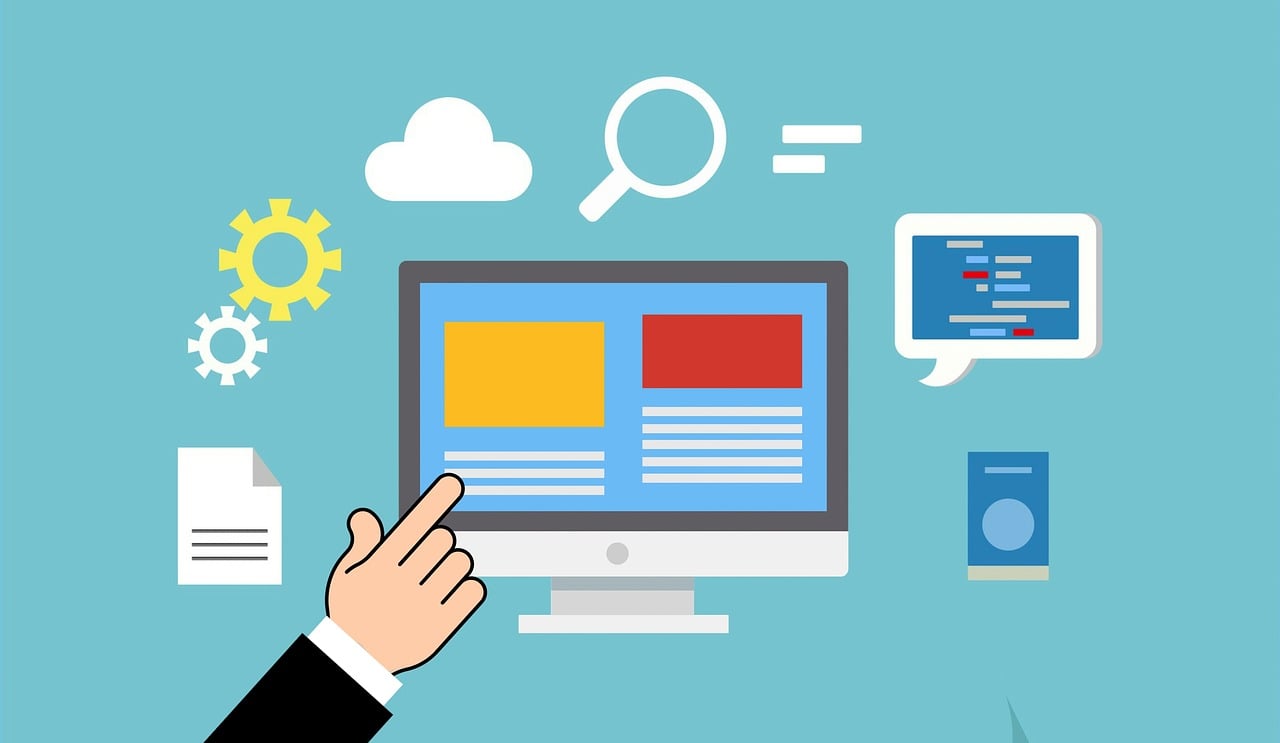
We provide Web Design and Web Development solutions as per requirement of our clients. We help you register and choose domain name for your personal or business website. We develop our web projects using World's one of the best and secure Content Management Systems.
- Re-design your website
- Web Hosting Solutions
- Domain Name Registrations
- Booking Systems
- Enterprise Resource Planning (ERP): Financial Management, Human Resources, Customer Relationship Management (CRM), Project Management
- Content Management Systems
- Collaboration and Project Management Systems
- Logo Design
- Word Press Website Development
- Joomla Website Development
- Shopping Cart / e-Commerce Website Development
Need someone to maintain your website on regular basis?
“Design is not just what it looks like and feels like. Design is how it works”
What they say...
“The best design is the simplest one that works.”